
The first planets I rendered looked rough. They used simplex noise in the pixel shader, with a few octaves of fBm for colour and another layer for height. They looked alright from a distance, but rough up close.
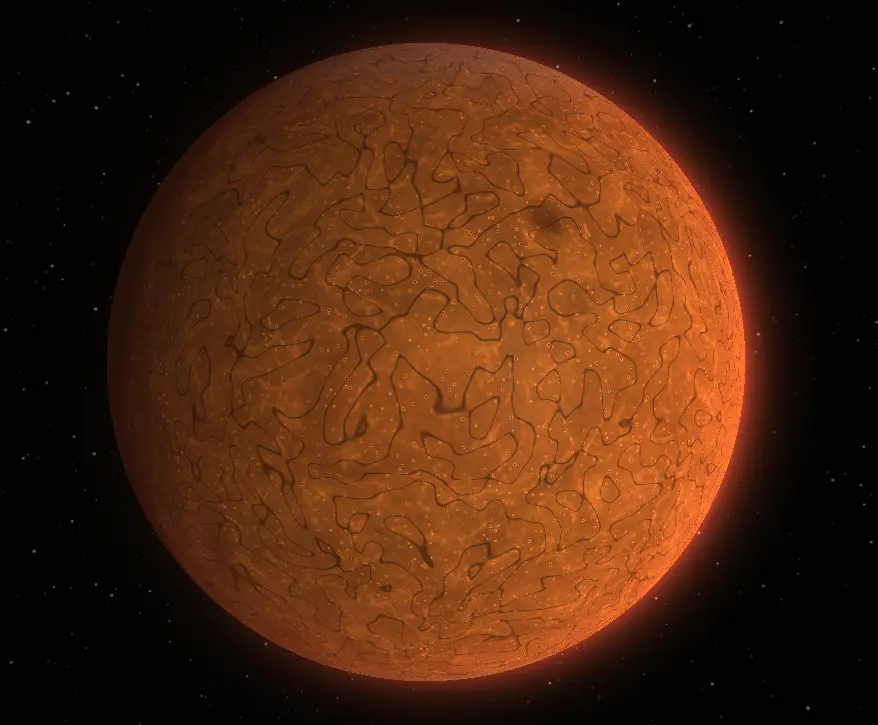
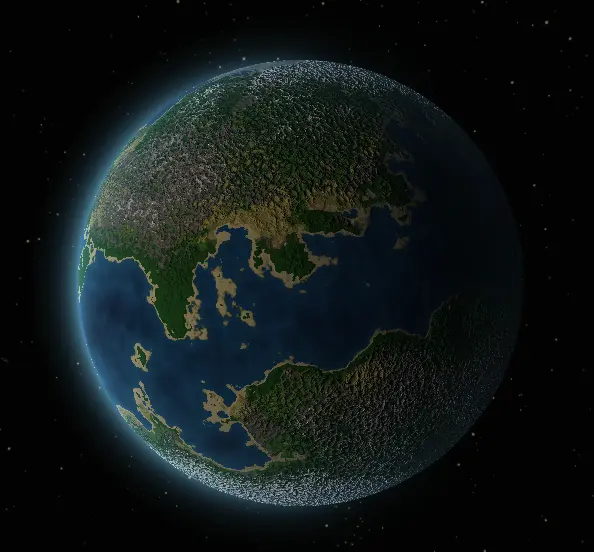
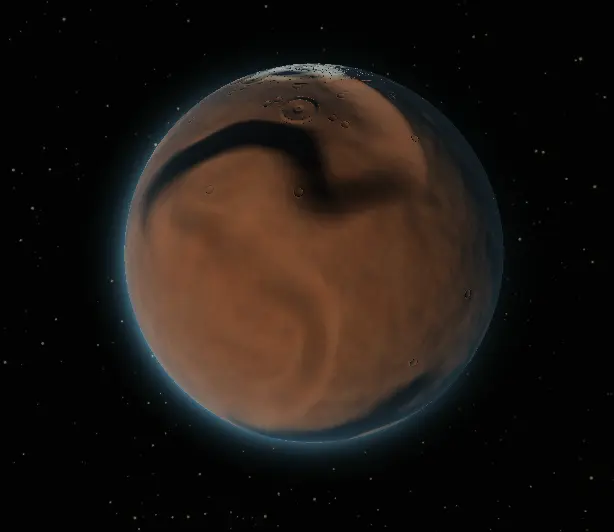
They do not look great. Every pixel is computed independently, so I could not author larger-scale details beyond the noise patterns I could devise. Being bad at maths did not help. More octaves only go so far: the surface still has patterns rather than features.
The other problem is distance. I am aiming for a space game without planetary landings, so planets need to look good both up close and at a distance.
#From patterns to terrain
I moved away from noise in the pixel shader and started simulating physical processes on a spherical grid instead: thermal erosion, hydraulic erosion, sediment deposition, and river network formation. The result is a cubemap of actual terrain data: height, temperature, precipitation, snow cover, vegetation density, rock exposure, wetness, and erosion amount.
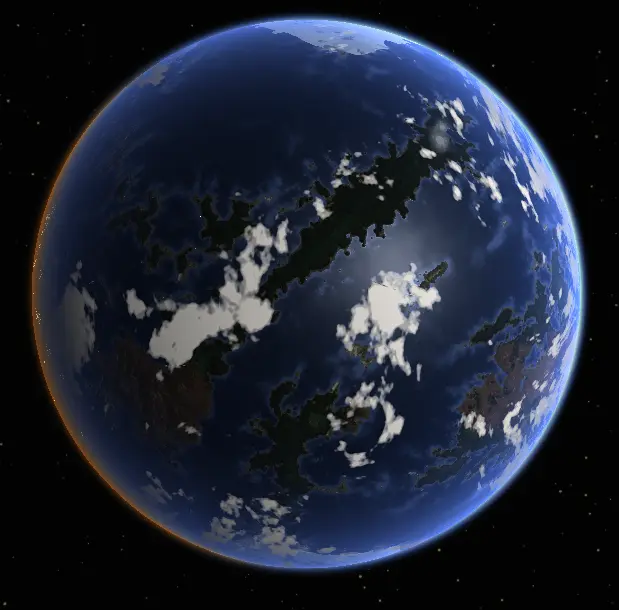
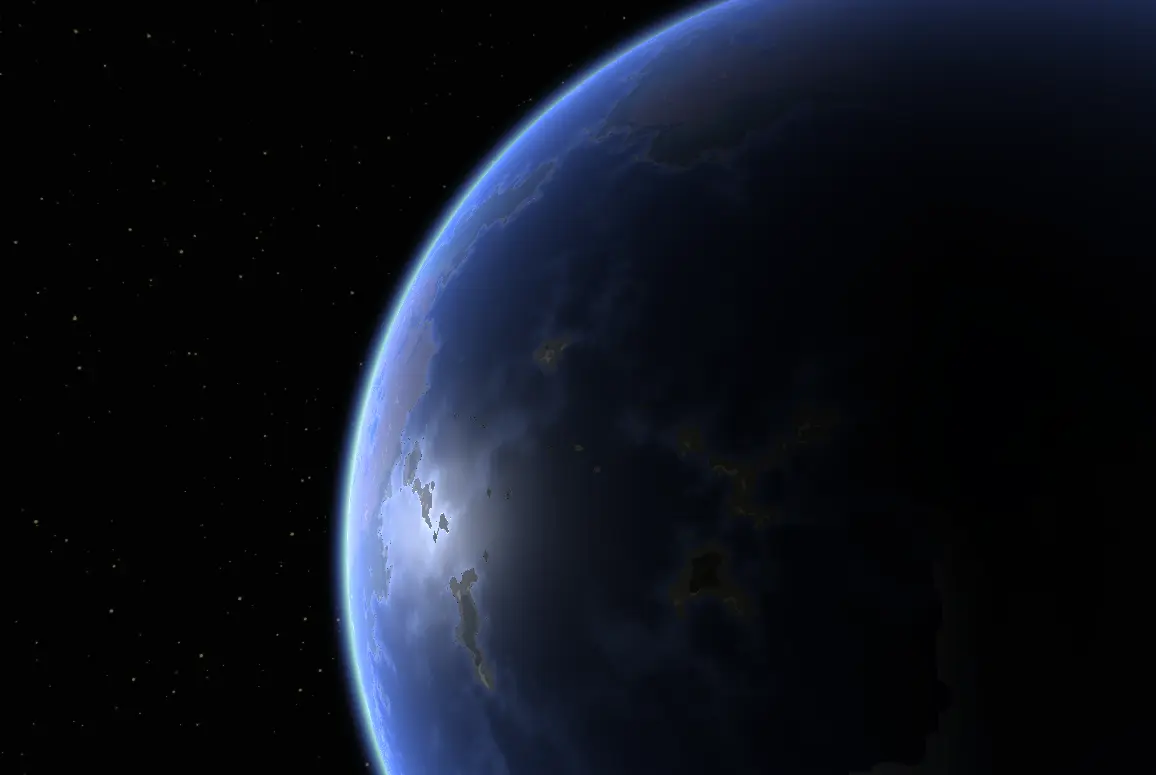
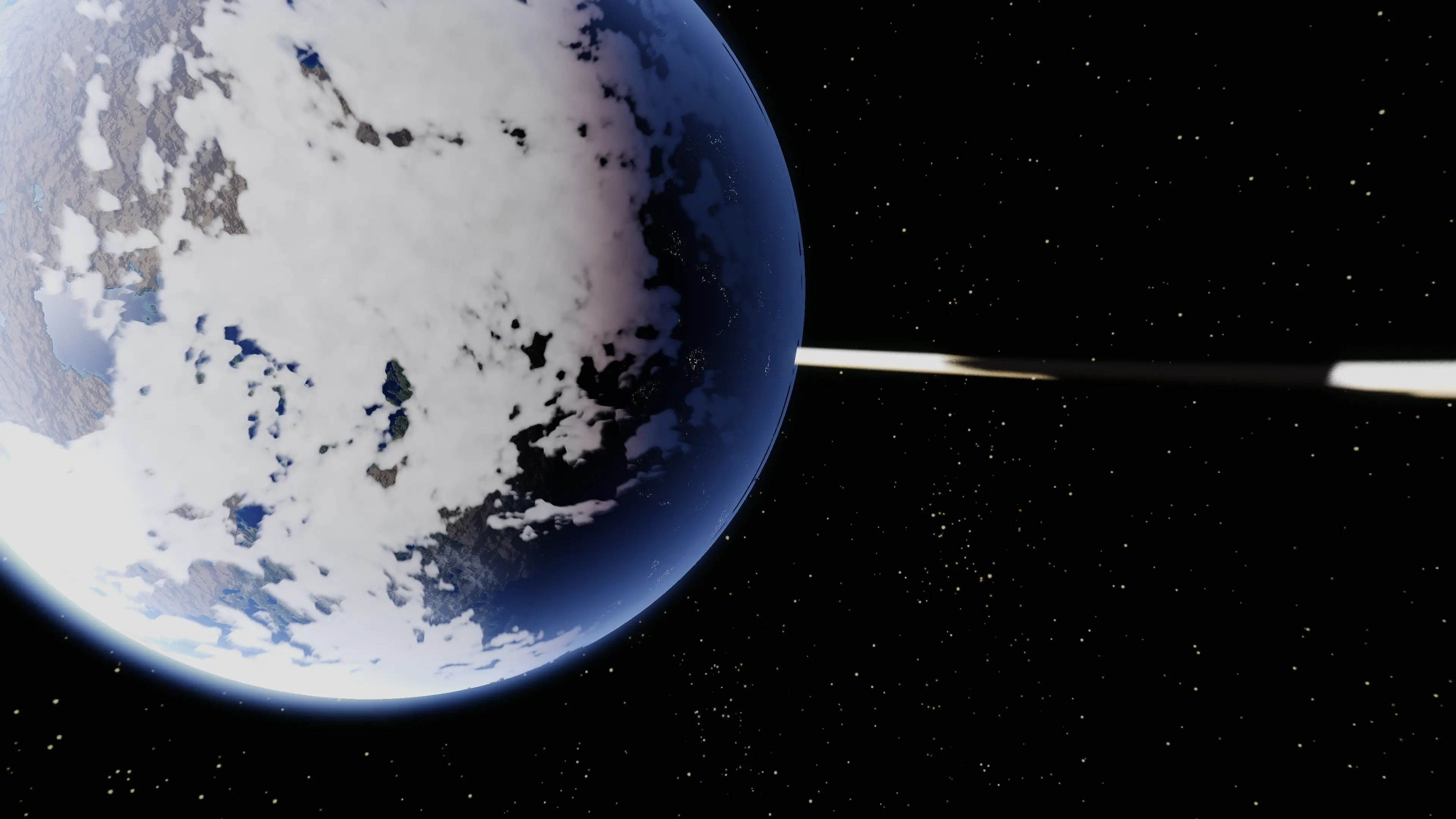
The simulation runs once per planet at cook time.
A river network is a global feature. Where a river ends depends on where it started, and that dependency propagates across the entire sphere. Noise has no such dependency. You can approximate river valleys with ridged multifractals, but they do not connect to anything.
The erosion outputs are baked into cubemaps. CubemapA stores elevation, temperature, precipitation, and snow cover. CubemapB stores vegetation density, rock exposure, wetness index, and erosion amount. These cubemaps are the foundation for everything else. They capture continental structure at a scale far above individual rocks or pebbles, but the structure is physically coherent.
#Close-up detail
The erosion cubemaps give decent-looking low-frequency terrain, but not enough close-up detail. Their resolution is fixed, and supporting a nearby camera would require huge textures. The images above used six 8K cubemap faces, which would be too expensive for the number of planets I want.
Virtual texturing is intended to solve this. Instead of one giant texture, you define a virtual texture space much larger than anything you could fit in memory. This space is subdivided into tiles, each at a specific resolution. At runtime, you only keep the tiles that are actually visible, at the resolution actually needed, in a much smaller physical texture cache. As the camera moves, new tiles are fetched and old ones evicted. The shader samples the virtual space, and a lookup table redirects the sample to the right physical tile.
It is the same concept as web map tiles or texture streaming in modern engines, just happening on the GPU with procedurally generated content rather than downloaded images. The visible surface of a planet at any moment only covers a tiny fraction of the total surface area, so you only need a tiny fraction of the total data resident.
The pre-simulated cubemaps and the runtime tile generator work together. The cubemaps provide low-frequency structure: continental shape, mountain ranges, river basins, biome boundaries. The runtime tile generator samples those cubemaps and adds high-frequency detail on top: rocks, craters, surface variation, biome-appropriate micro-detail. Each tile is generated at the resolution it needs, with the erosion data as its foundation.
Without the erosion simulation, the runtime generator would be adding detail to noise, and the result would still look like wallpaper up close. With it, the detail has at least some context: craters land on the right terrain type, rock formations follow slope and erosion patterns. The surface still looks procedural if you stare at it long enough, but it no longer looks like a textured sphere.
#The inverse impostor cube
There is no planet mesh. Instead, I use an inverse texture cube inspired by Ben Golus' post "Rendering a Sphere on a Quad".
The cube is rendered inside-out with front-face culling. The camera can remain inside the cube, so the planet still renders from low orbit and within its bounds. Gas giants can also add close-range procedural detail and volumetrics. I kept the cube rather than the quad because near-plane clipping became a problem with the quad.
#The cubemap-cube-quadtree mental model
Cube mapping. Sphere coordinates are addressed via cube faces. Six faces, each a 2D parameterisation of a sixth of the sphere. Same scheme as a regular skybox cubemap.
Per-face quadtree. Each face is subdivided into a quadtree. Level 0 is one tile per face. Level N is 4^N tiles per face. Pax uses MaxLevel = 7, so the finest level is 128 by 128 tiles per face, six faces.
Tile. A tile is a rectangular region of one face at one quadtree level, identified by (face, level, x, y). The TileId struct is a record with those four bytes plus an Owner tag, because tile slots are shared across planets and each tile remembers which planet it belongs to.
public void GetChildren(Span<TileId> children)
{
    byte childLevel = (byte)(this.Level + 1);
    ushort baseX = (ushort)(this.X * 2);
    ushort baseY = (ushort)(this.Y * 2);

    children[0] = new TileId(this.Face, childLevel, baseX, baseY, this.Owner);
    children[1] = new TileId(this.Face, childLevel, (ushort)(baseX + 1), baseY, this.Owner);
    children[2] = new TileId(this.Face, childLevel, baseX, (ushort)(baseY + 1), this.Owner);
    children[3] = new TileId(this.Face, childLevel, (ushort)(baseX + 1), (ushort)(baseY + 1), this.Owner);
}
#CPU tile feedback
Pax does not need GPU feedback for tile selection. Tile selection runs entirely on the CPU each frame; for simple spheres, that was the simplest approach.
PlanetTileFeedback.GatherRequiredTiles does a quadtree traversal over the planet's tile tree. Per tile, it computes the screen-space coverage from the current camera position, using camera FOV, screen width, and a foreshortening factor. If the tile's projected area exceeds a threshold, it descends to children. If not, it stops and emits the tile as a leaf. The output is a list of TileRequest capped at MaxLeafTiles = 2048.
The CPU approach has limitations. It does not account for occlusion: a tile hidden behind a moon still gets requested. The screen-space coverage heuristic is approximate at glancing angles.
#Quirks
The move to virtual texturing exposed a few bugs.
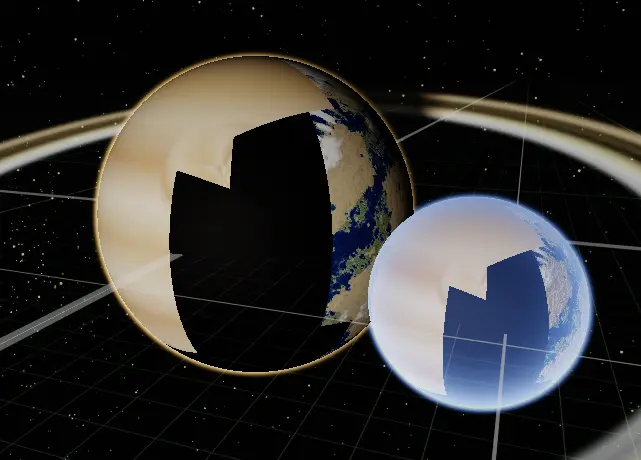
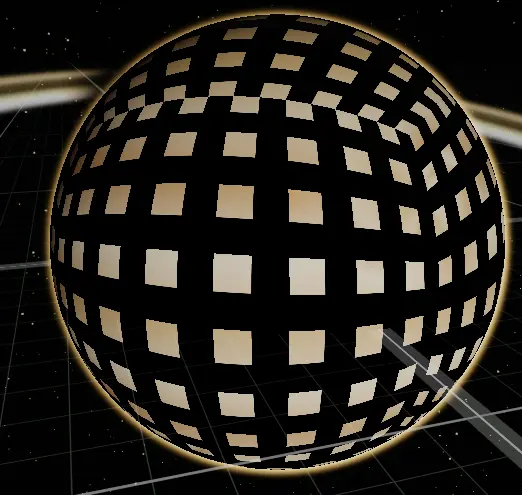
I hoped to use one VT table for all planets because few will need high-resolution tiles at once. I could not get the shared indirection table working, so each planet has its own texture for now.
The second image shows incorrect atlas UVs mapping each texel to a full slot.
#Results
I am pretty happy with where it has ended up.
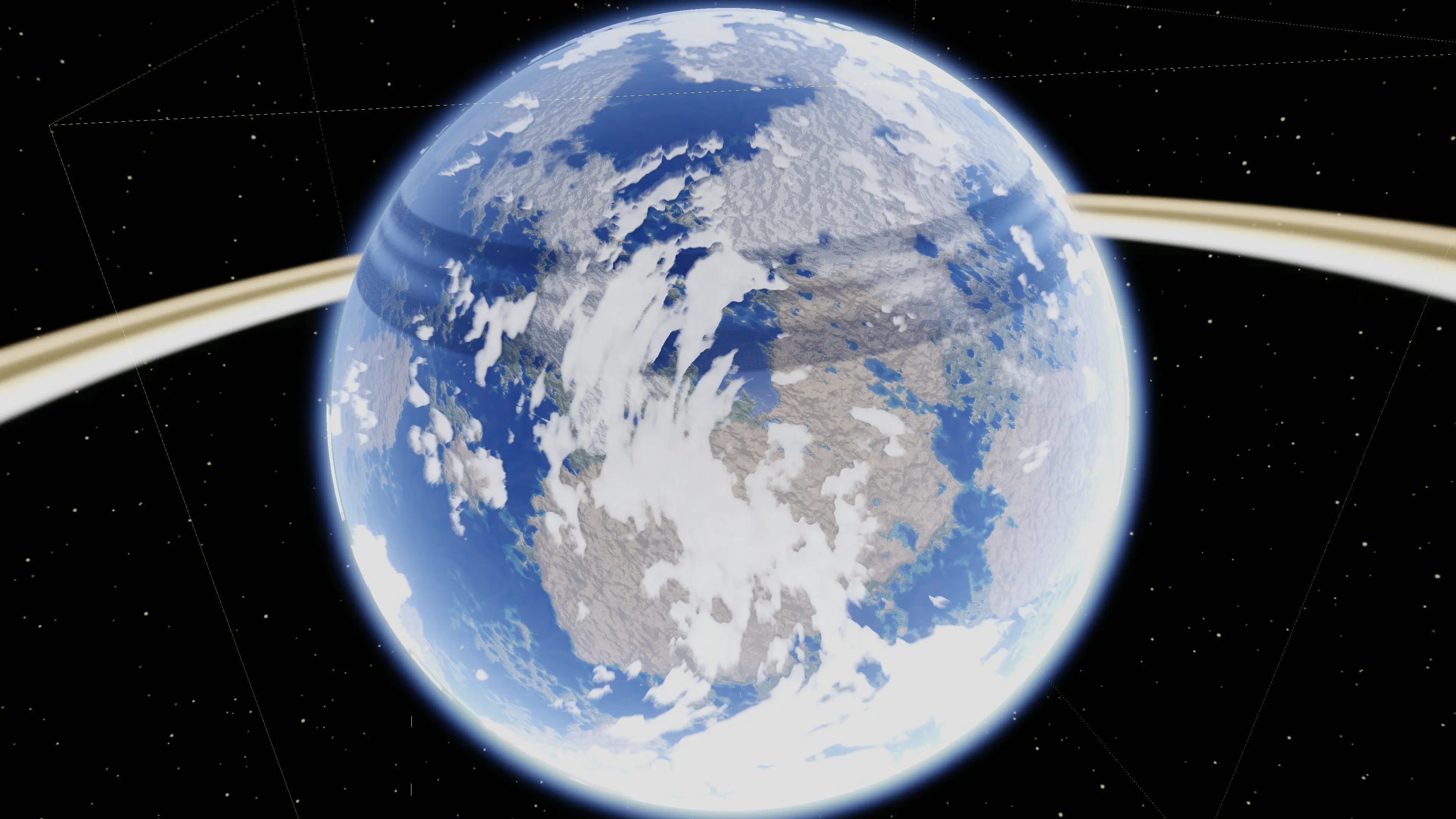
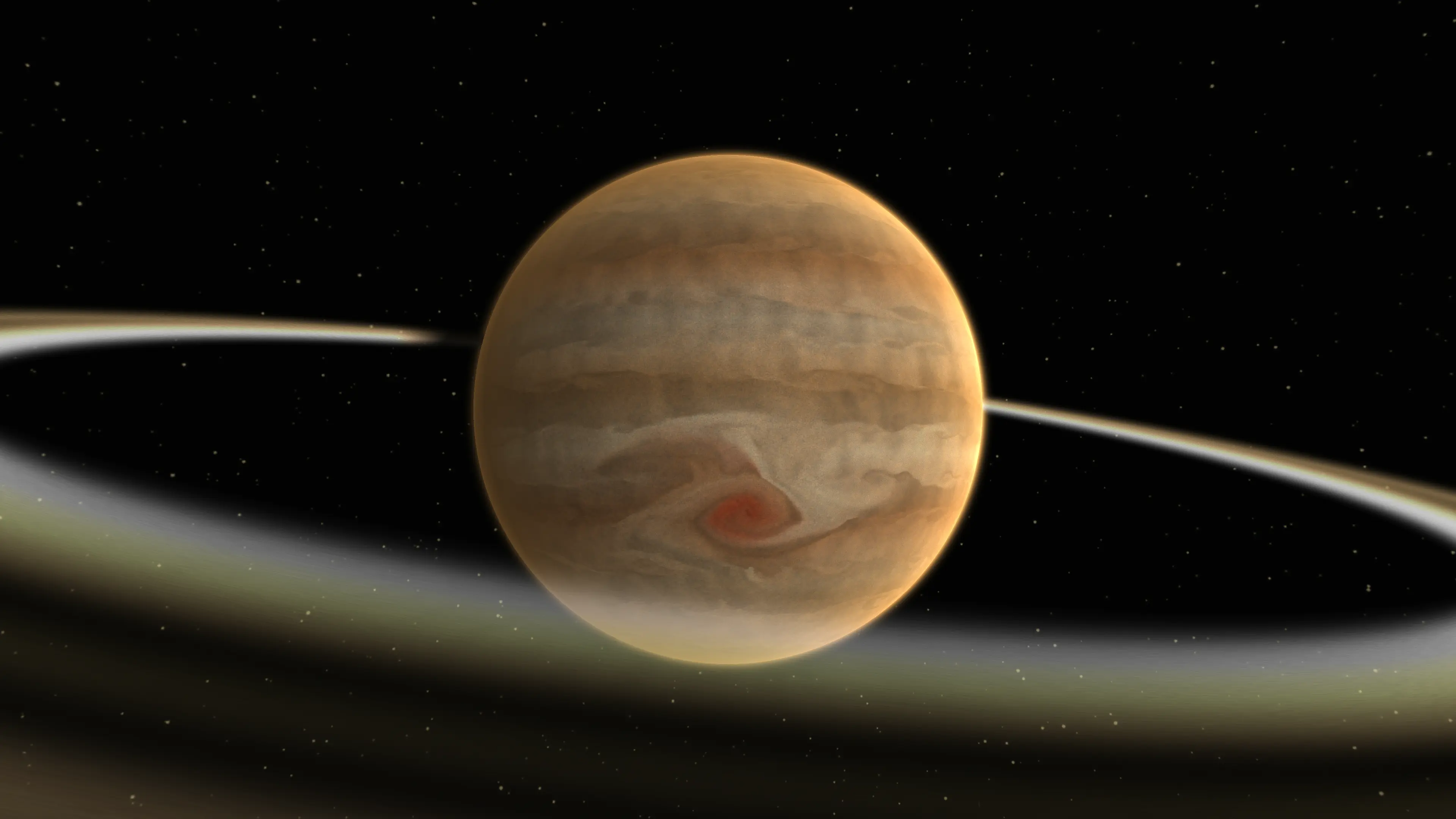
Clouds and the volumetric approach to gas giants still need work. That is a problem for future me.
#Remaining limits
The CPU tile feedback is fine for one or two planets in view. For dense systems with many bodies on screen, the quadtree traversal cost adds up. A coarser per-planet culling pass would help.
The 4096-slot atlas has been enough so far. With more planets in view at once, LRU thrashing might become an issue. A tiered cache, with a small high-frequency atlas and a large low-frequency atlas, is on the list.
The feedback pass does not account for occlusion, so it requests hidden-surface tiles. A depth-aware traversal could fix this, but I have not profiled whether it matters.